

Memory & Knowledge
lynox has persistent memory. Everything you discuss, every document you share, every pattern it detects — it’s stored locally and available in future conversations. The more you use lynox, the better it understands your business.
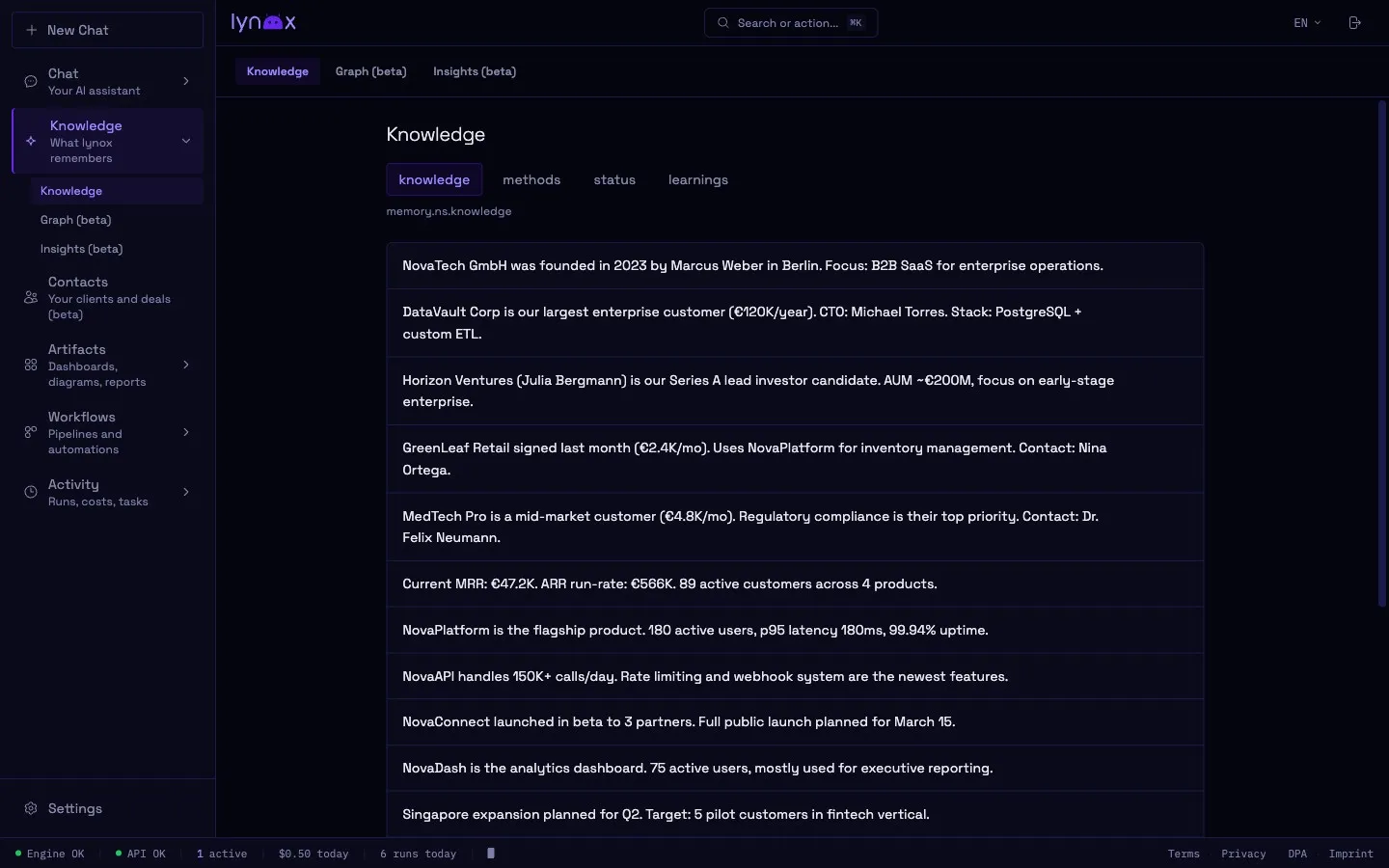
Memory Namespaces
Section titled “Memory Namespaces”Memory is organized into four namespaces:
| Namespace | What it stores | Example |
|---|---|---|
| Knowledge | Facts, context, business data | “Q1 revenue was 240k”, “Main competitor is Acme Corp” |
| Methods | Preferences, workflows, how you work | “Weekly reports go to the team channel on Monday 9am” |
| Status | Current state of projects and tasks | “Website redesign is in review phase” |
| Learnings | Insights from past interactions | “PDF summaries work best with bullet points for this user” |
lynox extracts and categorizes information automatically during conversations. You can also store memories manually — just tell lynox to remember something.
Knowledge Graph
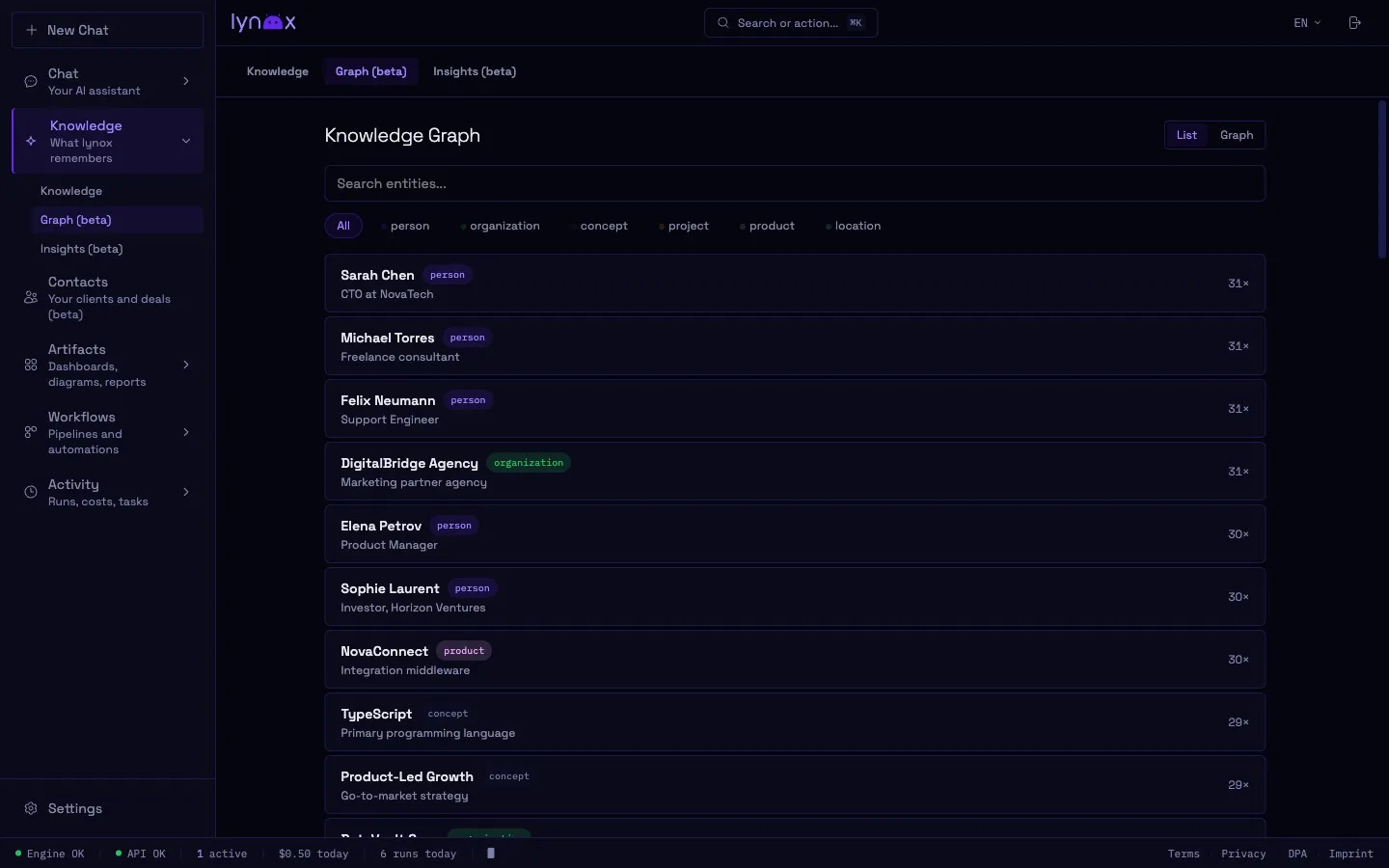
Section titled “Knowledge Graph”Behind the namespaces, lynox builds a Knowledge Graph — a network of entities and their relationships.
What gets tracked
Section titled “What gets tracked”- People — Contacts, colleagues, clients
- Companies — Organizations you interact with
- Projects — Ongoing work and initiatives
- Concepts — Topics, products, technologies
- Relationships — How entities connect (“works at”, “responsible for”, “competitor of”)
How it works
Section titled “How it works”As you chat, lynox identifies entities and relationships in your messages. These are stored with confidence scores that evolve over time — new information can confirm or contradict what was known before.
Browsing the graph
Section titled “Browsing the graph”Open the Knowledge Graph view in the Web UI to explore visually. Click any entity to see:
- Related entities and their relationships
- Source conversations where the entity was mentioned
- Confidence and last-updated timestamps
Pattern Detection
Section titled “Pattern Detection”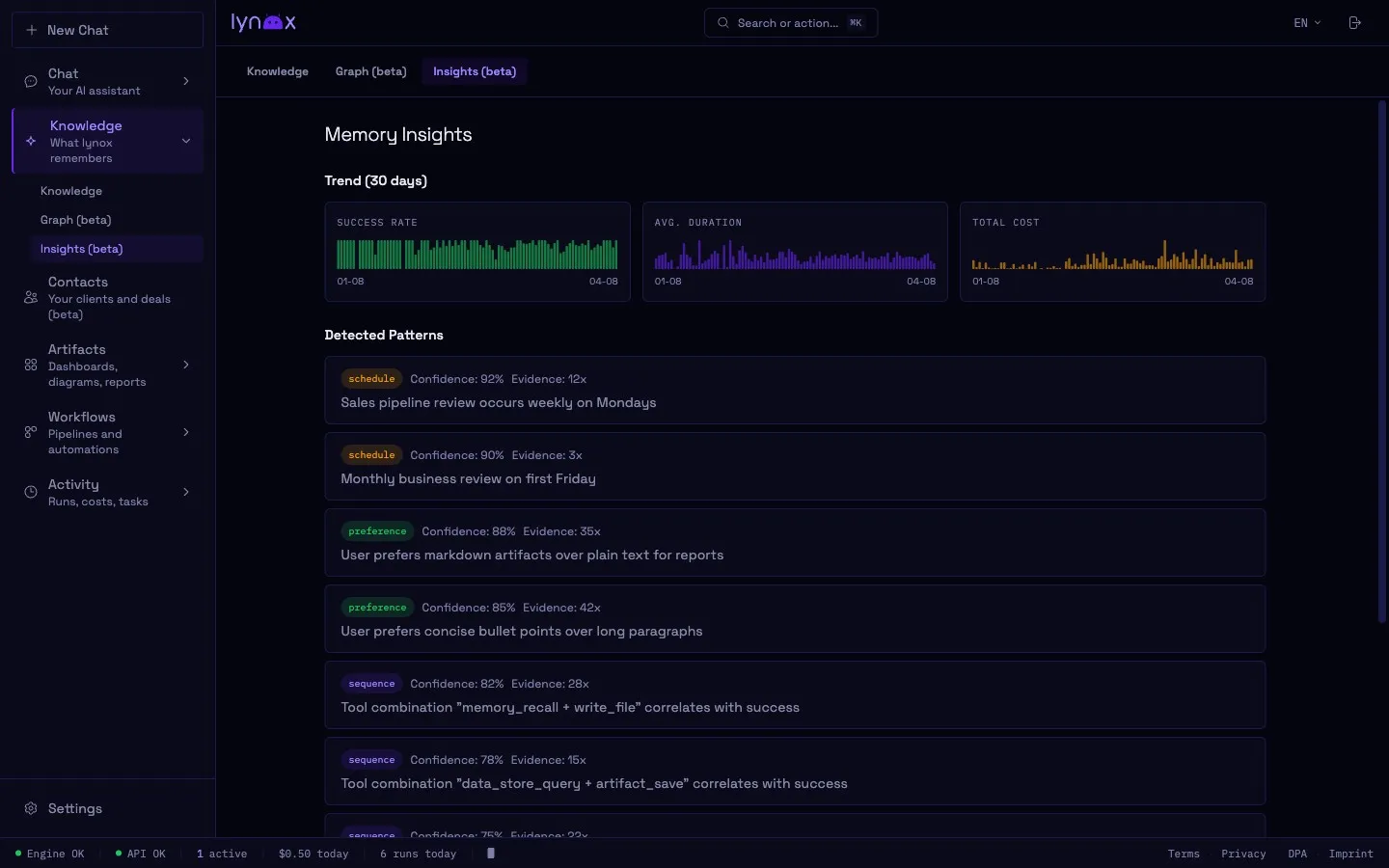
lynox notices recurring patterns in your behavior:
- “You always check email first thing on Monday”
- “Revenue reports are requested every end of month”
- “You tend to follow up with [contact] after meetings”
Detected patterns can become the basis for automated workflows — lynox may suggest scheduling a task based on what it observes.
Memory Management
Section titled “Memory Management”Via Web UI
Section titled “Via Web UI”The Memory view lets you browse, search, edit, and delete entries in any namespace. The Knowledge Graph view shows entity relationships.
Via Chat
Section titled “Via Chat”- “Remember that our fiscal year starts in April”
- “Forget what you know about [topic]”
- “What do you know about [entity]?”
Retention
Section titled “Retention”Memories have a configurable half-life (memory_half_life_days in config). Older, unused memories gradually fade — frequently referenced information stays strong. This prevents clutter while keeping important context alive.
Multilingual
Section titled “Multilingual”The memory system works across languages. You can discuss topics in German, English, or any of the 100+ languages the model supports — entities and relationships are tracked regardless of language.
Local Storage
Section titled “Local Storage”Memory is stored locally, in two places: the flat-file memory/ tree, which is what the memory
tools read and write, and ~/.lynox/agent-memory.db, which holds a copy of every stored memory’s
text plus the knowledge graph built from it, and is the authoritative store for that graph.
Both are part of the backup set, so a backup you send somewhere takes them along — that is the Google Drive upload, off by default, which encrypts file contents before sending. Leave it off and lynox itself sends no backup of your memory anywhere.
On a managed or hosted instance this setting is not the whole picture: those never upload to your Drive, and the control plane runs its own backups of the instance instead.
Two other paths can still move it, and both need an explicit action from you: a migration to
another instance (POST /api/migration/export) and a data export (GET /api/export).